
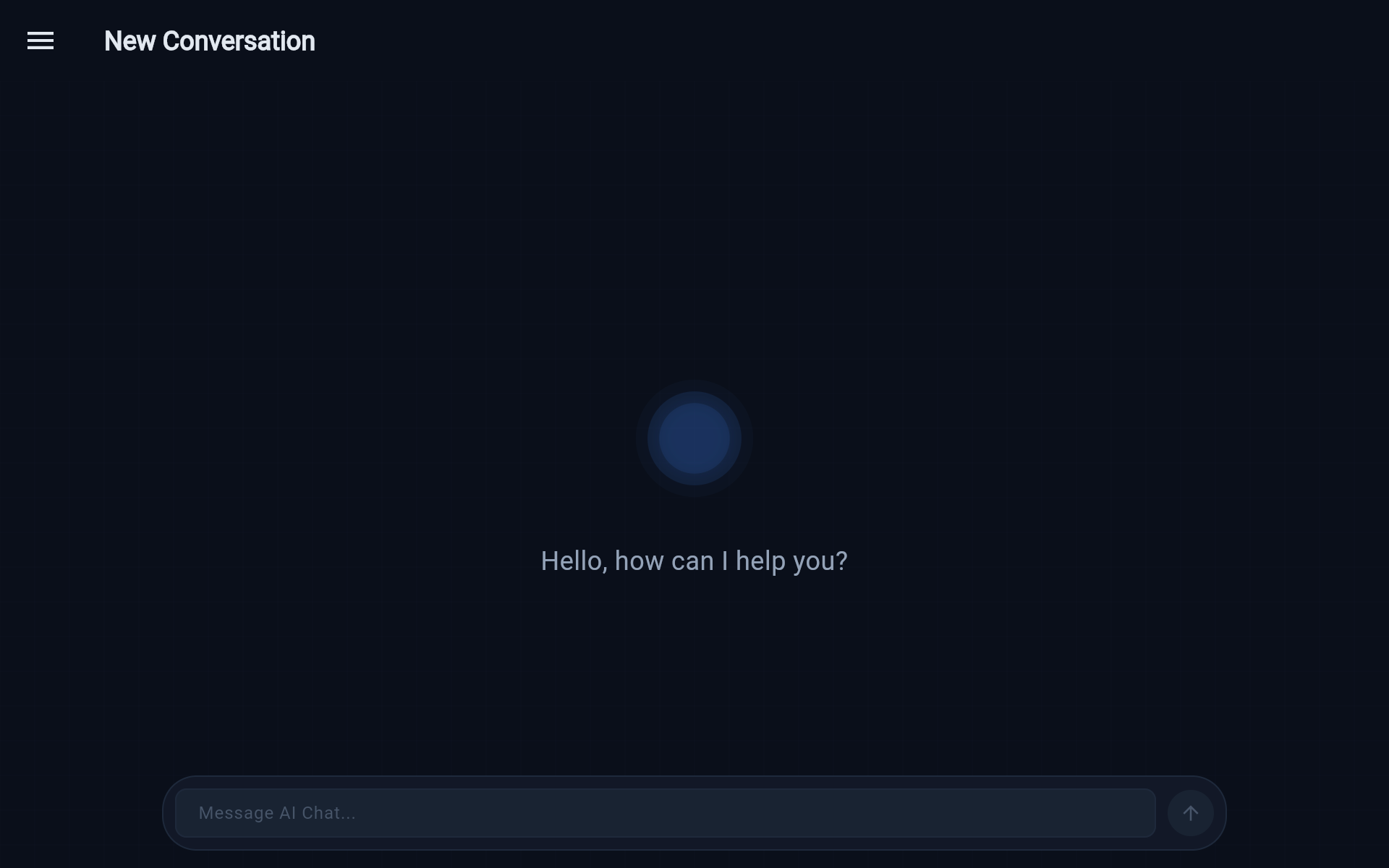
Conversational intake
Operators describe work in natural language. The intake agent parses intent, asks clarifying questions when needed, and proposes next steps for confirmation.
Operator control plane
External Brain Sync is a cross-platform control plane for delegating work to AI agents. Conversation in, real tasks out, with everything observable as it happens.
A single console for intake, knowledge, issues, and live activity.
Concrete capabilities in the current alpha, without the marketing fluff.
Operators describe work in natural language. The intake agent parses intent, asks clarifying questions when needed, and proposes next steps for confirmation.
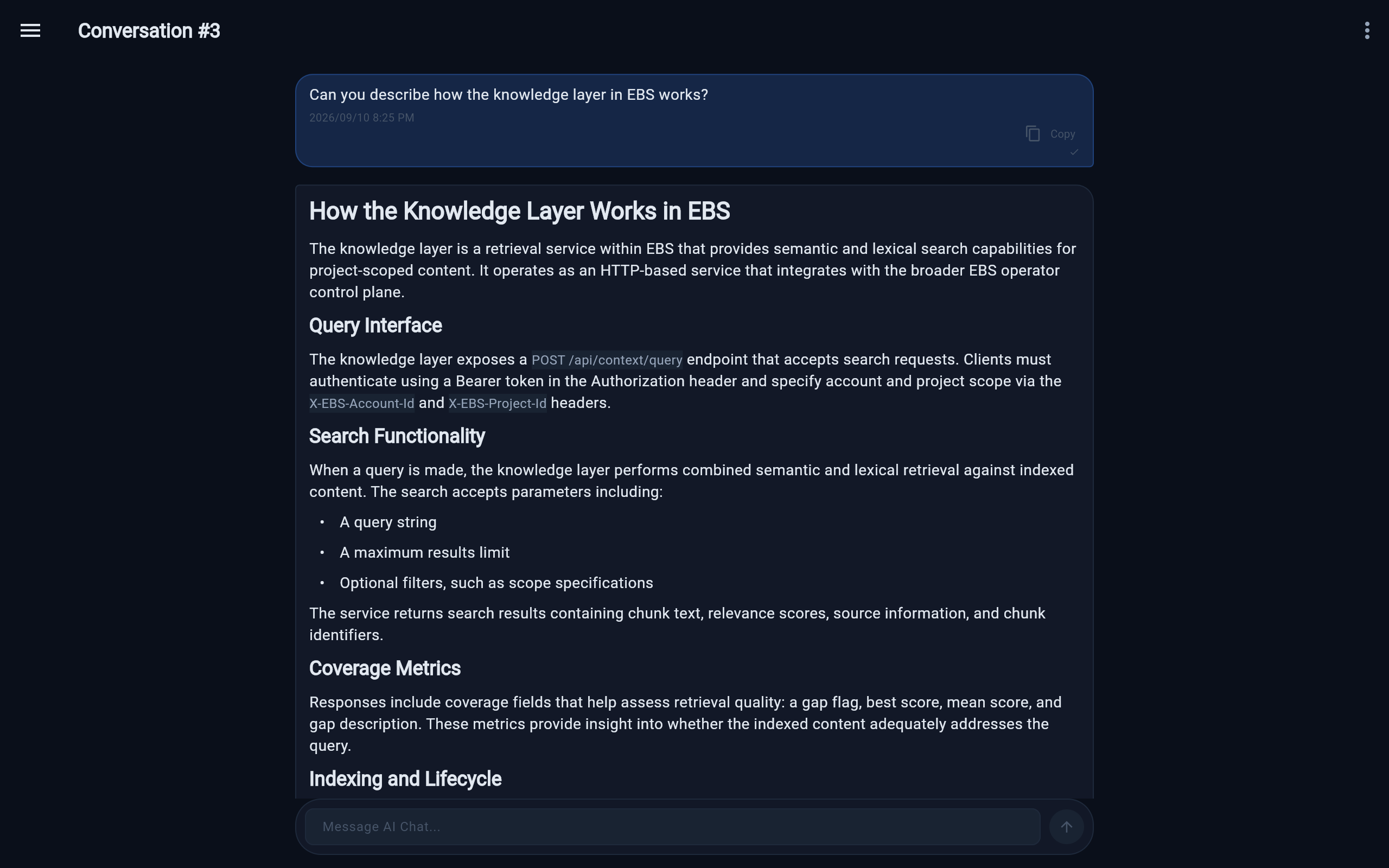
Questions are answered using an indexed codebase. Retrieval scores surface coverage gaps so you know when context is thin.
Create and update Linear issues from chat with operator confirmation before anything is sent. You stay in control of what ships to your tracker.
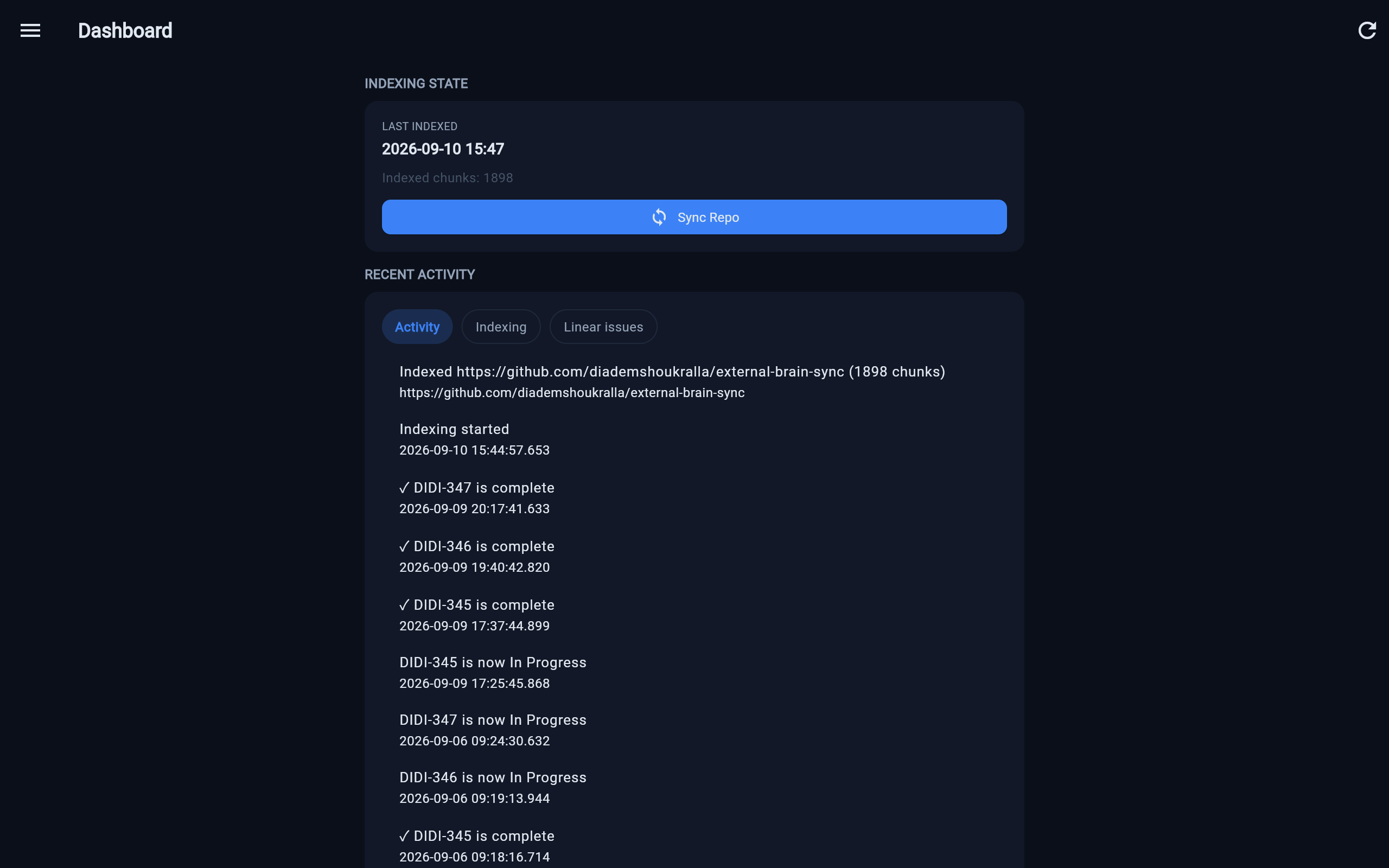
A real-time event feed shows what the system is doing as it happens. Indexing, conversations, and integrations all emit observable events.
A look inside the system, without the jargon.
Five services, each with one job, connected so a request can move through them. Follow the blue line and you will see the shape of it.
Most services keep their own data. Everything the system does gets written down as it happens, which is what makes the live activity view possible.
The operator console is available at /app. Access is granted on request so we can onboard you properly. You will not hit an unexplained sign-in wall: if you need an account, reach out first.
Open the consoleRequest access at hello@didi.build